

To put it simply, a container is a small, sealed box that holds your app together with everything it needs to run — the code, the libraries, the settings — so it behaves the same on your laptop, on a server, and on your teammate's computer.
The box part is the whole idea. Before containers, shipping software was a lot like moving house by carrying each item loose: the app needed a particular version of Python, a particular database driver, a particular folder layout, and if any one of those was different on the destination machine, the app fell over. Everyone who has ever said "but it works on my machine" has lived this. A container packs the app and its surroundings into one unit, and the machine that runs it only has to know how to run containers.
Think of the shipping container at a port. Before it existed, dock workers loaded barrels, crates, and sacks one by one, and every ship had to be packed differently. The metal box changed everything, because suddenly the ship, the crane, and the truck only had to handle one shape. A software container does the same thing for apps. The box is standard, so the machine underneath stops caring what is inside it.
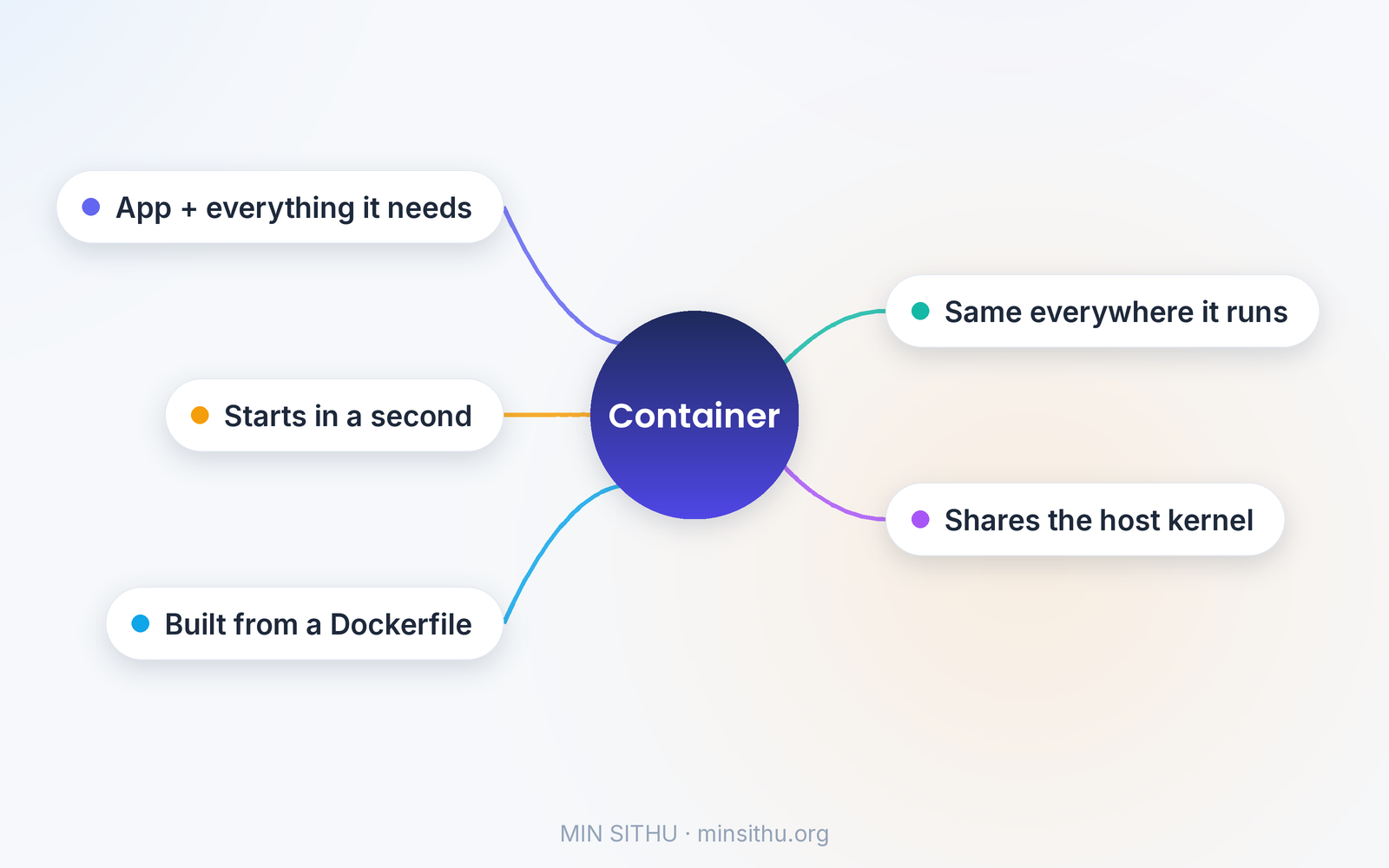
What is actually inside the box
A container image is a layered stack of files. At the bottom sits a small base — often a stripped-down Linux system, a few tens of megabytes. On top of that go the language runtime, then your libraries, then your code, then your settings. Each layer only stores what changed from the one below it, which is why two images built from the same base share most of their storage instead of duplicating it.
When you run an image, it becomes a container: a live process with its own view of the world. Inside the container, your app thinks it is alone on a machine. It sees its own files, its own network port, its own process list. Outside, the host machine is quietly running dozens of these side by side, each one isolated from the others. That isolation comes from two features built into the Linux kernel: namespaces, which give each container its own view, and cgroups, which limit how much CPU and memory each one can use. The container is not a separate computer. It is a regular process wearing a very convincing disguise.
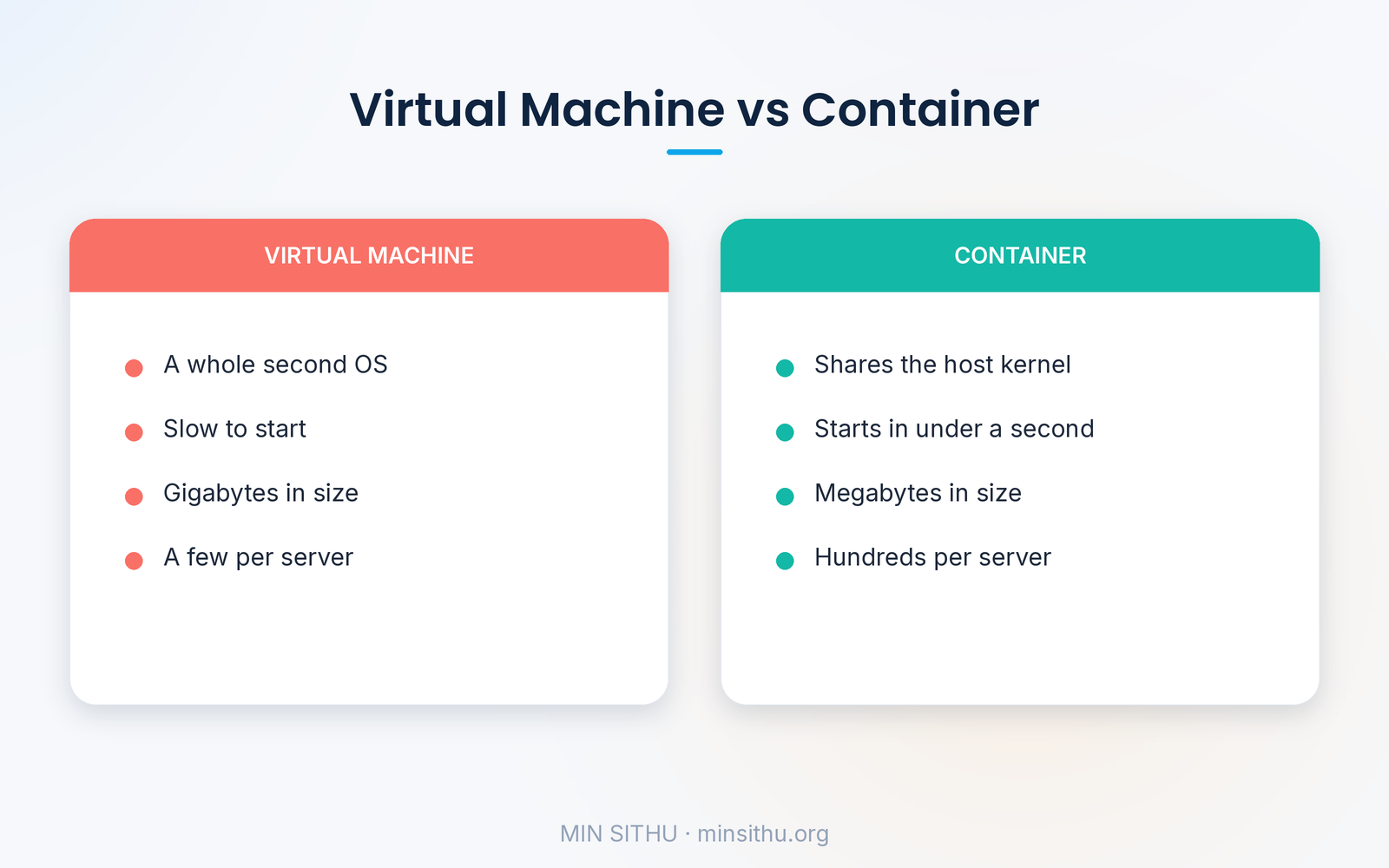
That distinction matters, because it is the one people get wrong most. A virtual machine runs a whole second operating system, kernel and all, on top of a hypervisor — heavy, slow to start, often gigabytes in size. A container shares the host's kernel and only carries what is different. It starts in under a second and weighs megabytes. A single server that could run a handful of virtual machines can run hundreds of containers, and that difference is why the entire cloud industry moved to them.
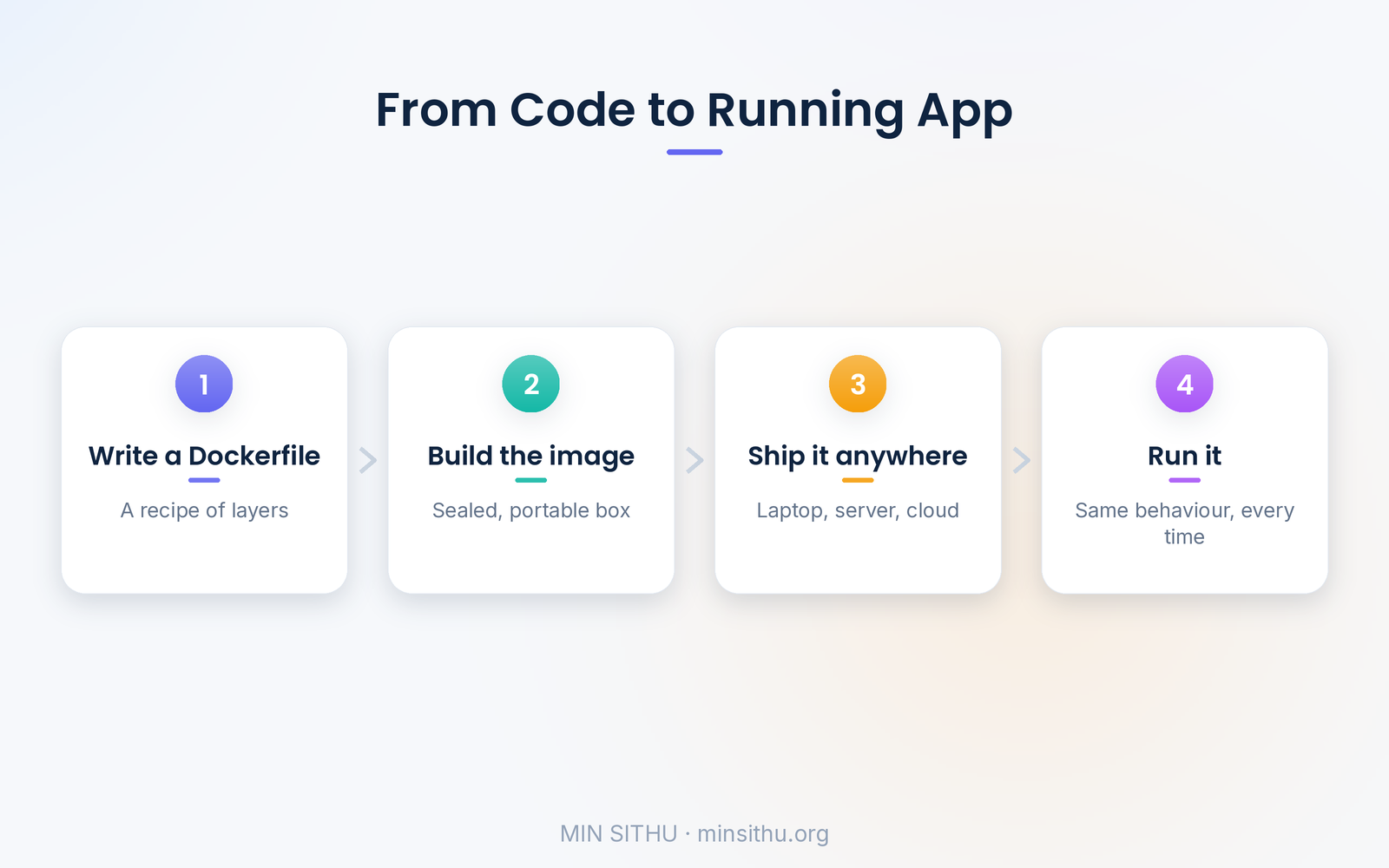
A small file called a Dockerfile is usually how an image gets built. It reads like a recipe:
FROM python:3.13-slim
WORKDIR /app
COPY requirements.txt .
RUN pip install -r requirements.txt
COPY . .
CMD ["python", "app.py"]
Each line adds one layer: start from a slim Python image, set a working folder, copy in the list of libraries, install them, copy the code, and say what command starts the app. Run one build command and you get an image. Run that image anywhere Docker is installed and the app starts, with the same Python, the same libraries, the same behaviour.
The part nobody warns you about
Containers are not magic, and the biggest trap is treating them as if they were. The first trap is size. An image built carelessly — a full operating system, build tools left in, every file in the project copied in — can swell past a gigabyte, and then the fast startup everyone promised disappears while the image downloads. Slim base images and multi-stage builds, where you compile in one image and copy only the result into a clean one, keep things honest.
The second trap is state. A container's filesystem is disposable. Stop the container and anything written inside it is gone, unless you deliberately attached a volume — a folder on the host that survives restarts. That is fine for a web app that keeps its data in a database somewhere else. It is a nasty surprise for the developer who stored uploaded files inside the container and watched them vanish on the next deploy. Databases in containers are possible, but they need their volumes set up properly, and many teams still run databases outside containers for exactly this reason.
The third trap is security, and it is the one I take most seriously. A container shares the host kernel, so a vulnerability in the kernel is a vulnerability for every container on that machine. Running a container as root inside it, which is the default in many images, makes that worse. The fixes are unglamorous: run as a non-root user, keep base images updated, scan images for known vulnerabilities before deploying them, and never bake secrets like API keys into the image — pass them in as environment variables at runtime, so the secret never ships inside the box.
Why this became the default, not the exception
Docker, released in 2013, made containers something an ordinary developer could use in an afternoon, and the idea spread from there into everything. Kubernetes came along to manage containers at scale — starting them, restarting the ones that crash, spreading them across machines, updating them without downtime. Today, when you deploy to most cloud platforms, you are almost certainly deploying a container, whether you see it or not. The platform just hides the box from you.
And that is the point I keep coming back to. Containers did not make software better by themselves. They made software more predictable. The app that runs on your laptop is, byte for byte, the same app that runs in production. The argument about which version of a library is installed stops being an argument, because the version is sealed inside the box. For a developer, that is not a small thing. It is the difference between debugging your code and debugging someone else's machine.
If you have never tried one, the fastest way in is a single Dockerfile for a project you already have. Build it, run it, break it, rebuild it. The first time your app starts on a fresh machine with zero setup and behaves exactly as it did at home, the idea clicks — and you will never want to go back to installing dependencies by hand and hoping for the best.
References and further reading
- Docker overview — Docker Docs
- OS-level virtualization — Wikipedia
- What is a container? — Docker
- Open Container Initiative — Runtime Specification
— Min SiThu Software Engineer & Tech Content Creator https://minsithu.org
About the author
- Nubbad Developer. | Now I accidentally create problems.
Comments
Join the discussionNo comments yet. Be the first to comment.