

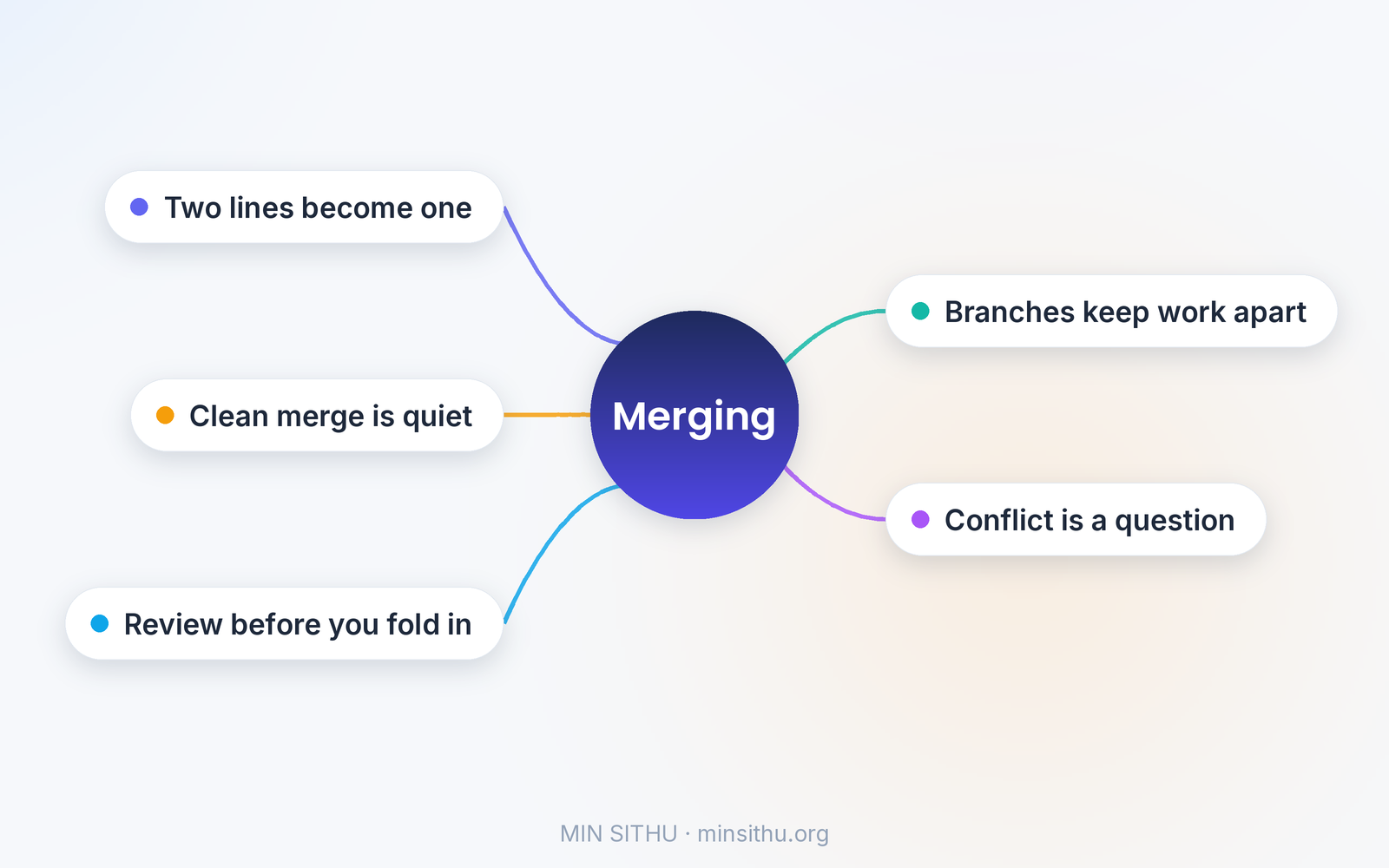
To put it simply, merging is how two lines of work become one line of work again — and a merge conflict is not an error, it is Git asking you a question it cannot answer on its own.
You branch off, you change things, your teammate changes the same project from the same starting point, and then somebody has to combine the two. Git does the combining. Most of the time it succeeds quietly. Sometimes the two of you touched the exact same lines, and then Git stops, marks the spot, and waits for a human to decide. That is the whole story. Everything else is detail, and the details are friendlier than they look.
Two people, one file, no drama — most of the time
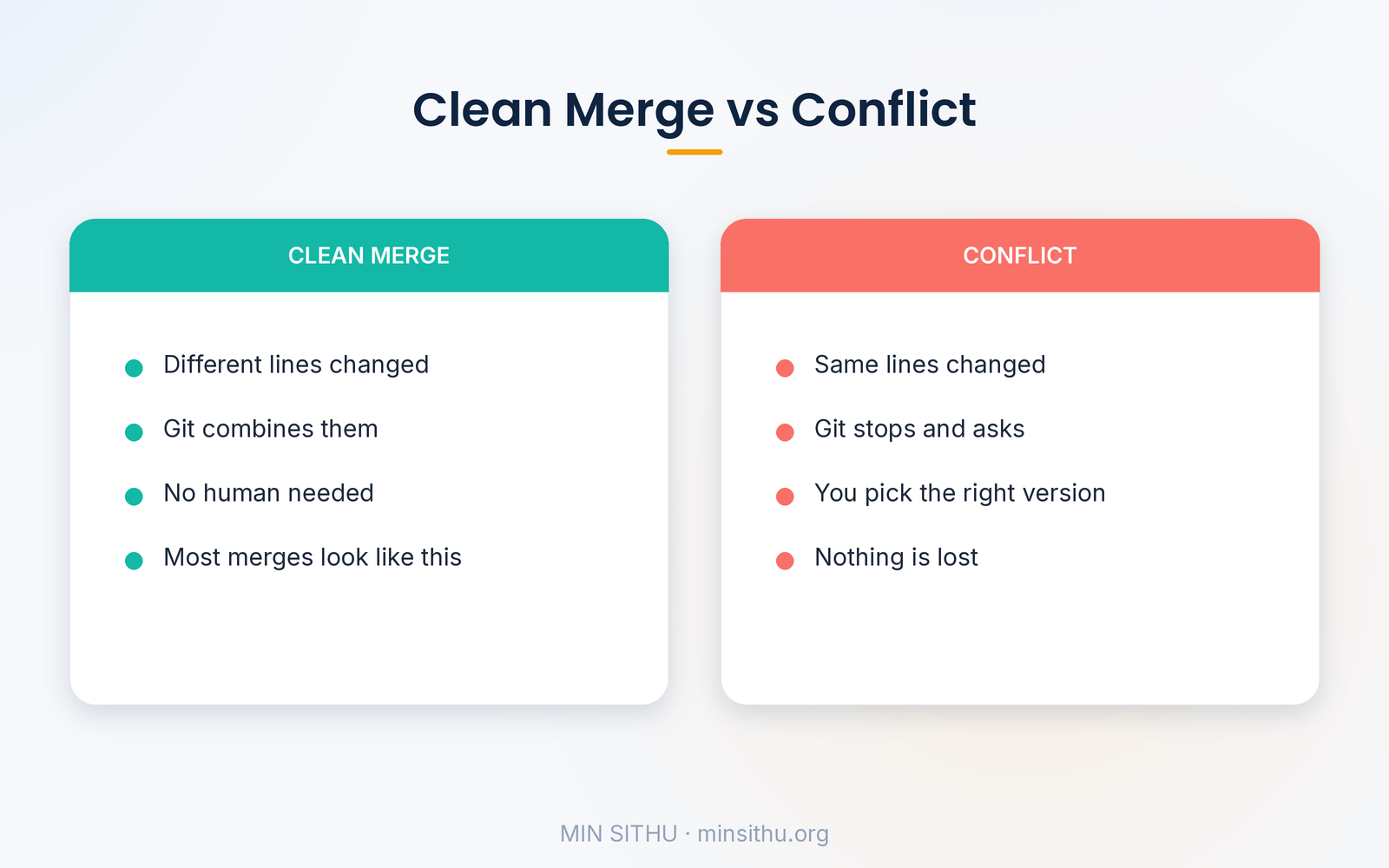
Picture a shared notebook. You and a friend each take a photocopy home. You fix chapter three. Your friend fixes chapter five. When you both bring your copies back, combining them is trivial: your changes and their changes touch different pages, so the notebook just takes both. That is what Git does when changes do not overlap. It lines up the two versions against the version you both started from, takes the lines only you changed, takes the lines only they changed, and produces a file with both.
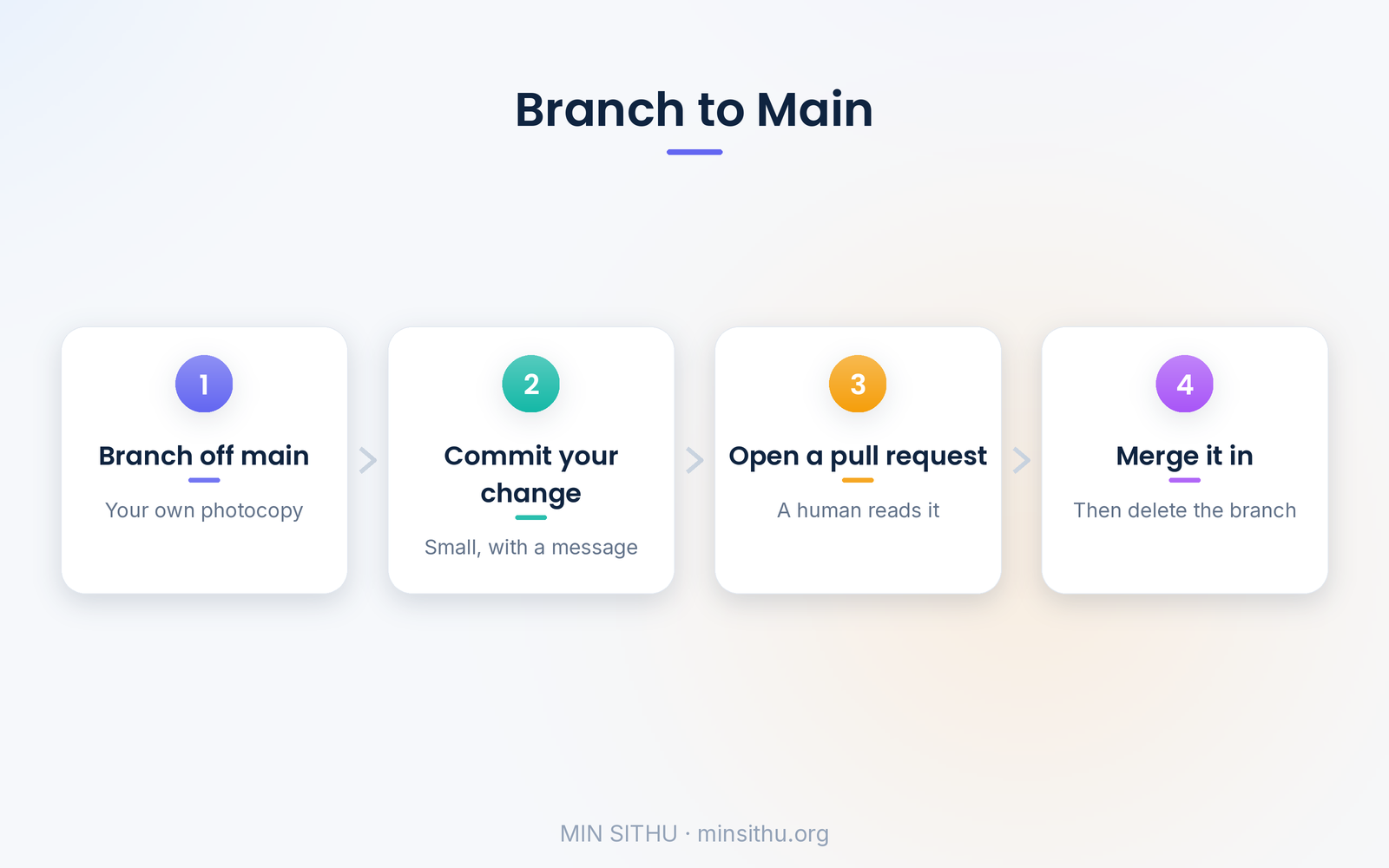
Here is the smallest version that works, the everyday flow:
git checkout -b fix-login        # start your own branch
# ... edit the code, then ...
git add .
git commit -m "Fix the login redirect"
git push origin fix-login
That branch is your photocopy. The commit is a snapshot of your changes, with a message explaining why. Pushing sends your branch to the shared remote, where a pull request says: here is what I changed, please look, and when you are happy, fold it into the main branch. The pull request is the part people skip over, and it is the part that matters most — it is the moment another human reads your code before it becomes everybody's code.
When Git stops and asks
Now the interesting case. You and your friend both edited the same paragraph. You rewrote it one way, they rewrote it another. Git cannot know which version is right, because "right" is a human judgement, not a text problem. So it does the honest thing: it stops and shows you both versions, side by side, right in the file:
<<<<<<< HEAD
return user.name || "Guest";
=======
return user.displayName ?? "Anonymous";
>>>>>>> fix-login
The markers look alarming the first time, but read them slowly and they are just a question. Everything between <<<<<<< HEAD and ======= is the version already on your branch. Everything between ======= and >>>>>>> fix-login is the incoming version. Your job is to delete the markers and leave behind the version that is actually correct — which might be one of them, or a blend of both. Then you mark the file resolved, commit, and the merge finishes. That is it. Nobody's work is lost in a conflict. Both versions are still sitting there in the file, waiting for you to choose.
The one real rule is this: never resolve a conflict you do not understand. If the other version touches code you have never seen, ask the person who wrote it. A wrong guess here is how bugs are born, and a two-minute question is cheaper than a two-hour debugging session later.
Why branches exist at all
It is worth stepping back, because merging only makes sense once you see why we branch in the first place. The main branch is the version of the code that works right now — the one that could be shipped today. Everything unfinished lives on its own branch, away from it. A branch is cheap in Git; it is not a copy of the whole project, it is just a pointer to a commit, a bookmark that says "work started here". That is why teams can have dozens of branches at once and nobody worries about disk space.
This separation is also what makes the pull request workflow work. A branch with one small change is easy to review. A branch with three weeks of work and forty files is not. The teams that merge smoothly are almost always the teams that merge small: one feature, one fix, one branch, reviewed while it is still fresh in someone's head. Long-lived branches are where conflicts breed, because the longer two photocopies live apart, the more pages they both end up editing. One small habit helps here too: delete the branch after it merges. A remote full of dead branches is a graveyard nobody wants to dig through, and the merged work is safely in main now — the branch has done its job.
And a practical habit that saves real pain: pull the latest main branch into yours before you ask for a review. If a conflict is going to happen, you want it on your own machine, on your own time, not in front of a reviewer waiting on you. A quick git pull origin main and a local merge turns a surprise into a five-minute job.
The part nobody tells beginners
Here is the thing I wish someone had told me early: a clean merge history is a kindness to your future self. When something breaks three months from now and you are digging through history asking "who changed this, and why", a branch with a clear name and a commit message that says what actually changed is worth its weight in gold. "Fix login redirect when session expires" tells the story. "stuff" does not, and I have written my share of "stuff" commits. The merge itself is mechanical. The message is the part humans read.
So merge often, merge small, and when Git stops and asks you a question, take it as good news. It means the tool knows its limits. It is handing you the one decision only a person can make.
References and further reading
- Git Branching — Basic Branching and Merging — git-scm.com
- git-merge documentation — git-scm.com
- About pull requests — GitHub Docs
- Resolving a merge conflict — GitHub Docs
- Merging vs rebasing — Atlassian Git Tutorial
— Min SiThu Software Engineer & Tech Content Creator https://minsithu.org
About the author
- Nubbad Developer. | Now I accidentally create problems.
Comments
Join the discussionNo comments yet. Be the first to comment.