

To put it simply, version control is a memory for your project. It records every change you make to your files — what changed, who changed it, and when — and stores those changes as a history you can walk back through. Nothing is ever truly lost. If today's work is broken, yesterday's working version is still there, exactly as you left it, waiting for you.
You already know the problem it solves, even if you have never written code. Think of the folder before a school or office deadline: report.docx, report_final.docx, report_final2.docx, report_REALLY_final.docx, and one mysterious report_final_NEW.docx that nobody remembers creating. Five files, one document, and no honest way to say which changes are in which copy. Programmers lived exactly like that for years. Version control is what they built to escape it.
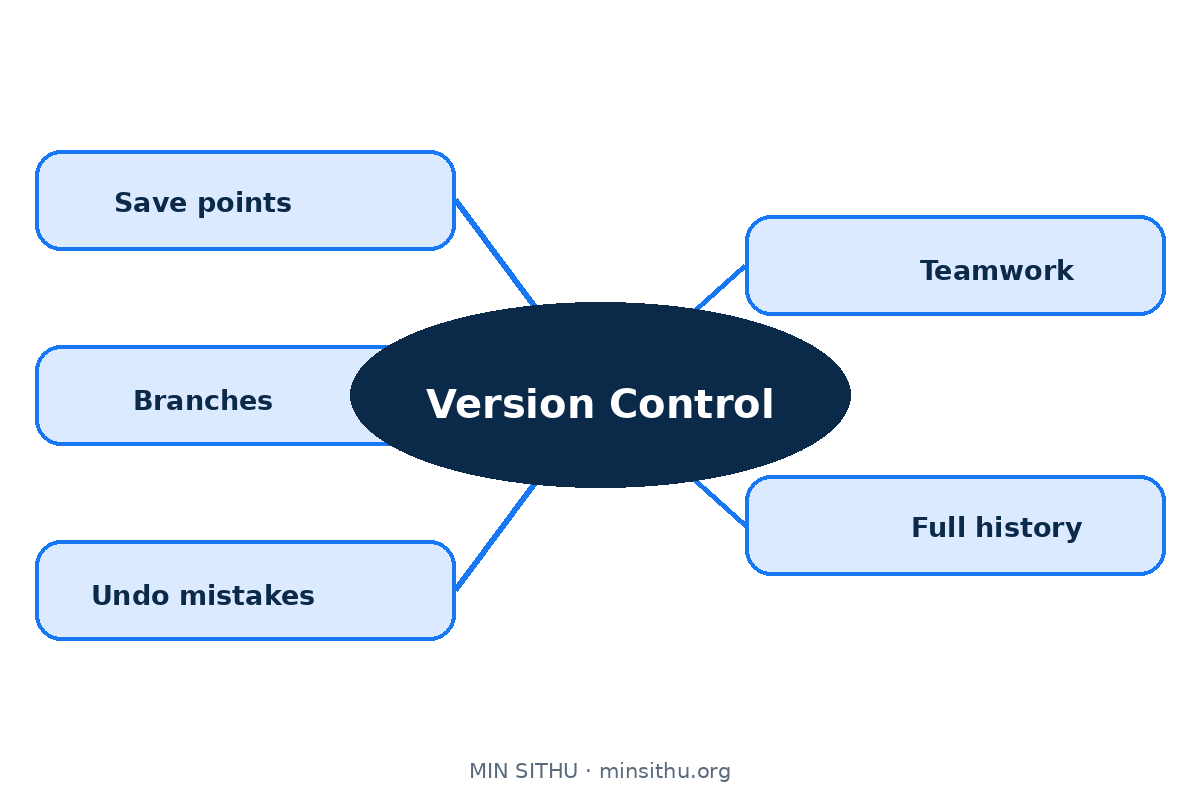
The easiest way to feel it is to think about save points in a video game. Before a hard fight, you save. If the fight goes badly, you do not restart the whole game — you reload the save and try a different approach. The disaster is gone, and so is nothing else. A commit in version control is exactly that save point, and the whole of Git is built from this one idea, repeated and shared.
A commit is a save point, and the note on it matters
When you commit, you are telling the system: remember everything exactly as it is right now. Git stores a snapshot of your files, your name, the time, and a short message you write — something like "Add login form" or "Fix total on receipt". That message looks like a small thing. Six months later, when you are staring at a strange line of code at midnight, it is the only explanation you will get, so good messages are a kindness to your future self.
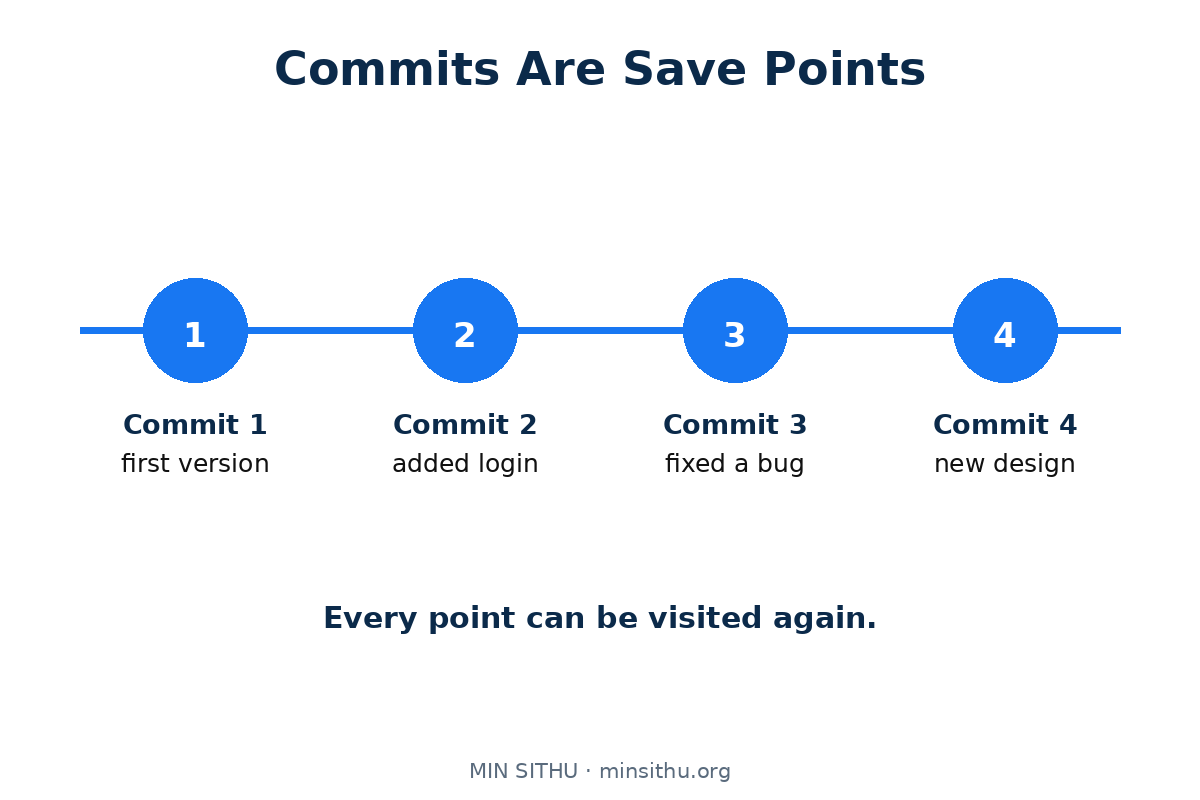
Two habits make commits useful instead of decorative. First, commit often — small saves, one clear job each, rather than one giant save at the end of the week. Small commits are easy to understand and easy to undo. Second, commit when something works, even something small. A save point you made while the code was healthy is worth ten you made in a panic.
A branch lets you try the dangerous idea safely
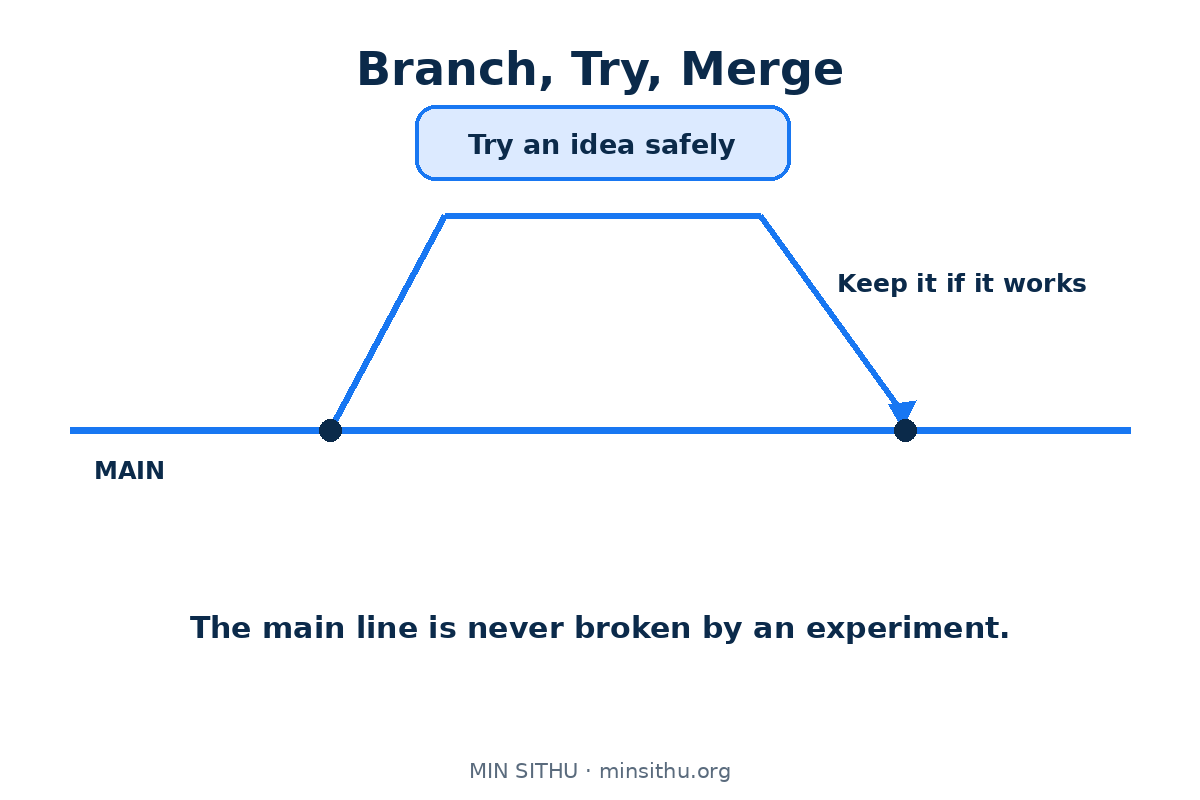
Sooner or later you will want to try something risky: a new design, a big cleanup, an experiment that might fail. Doing it on your only copy is how working software gets broken. A branch solves this by giving you a parallel line of save points. Your main line — usually called main — keeps the version that works. The branch is where the experiment lives, free to break without hurting anyone.
If the experiment succeeds, you bring it back. If it fails, you delete the branch and nothing happened. This one idea changes how people work: trying things becomes cheap, so people try more things, and the software gets better faster.
Merging is where two lines of work become one again
Bringing a branch back into main is called merging. When the two lines touched different files, or different parts of the same file, Git combines them quietly and you barely notice. When both lines changed the same lines in different ways, Git stops and asks you to choose. That pause is called a merge conflict, and beginners fear it far more than it deserves. It is not an error. It is Git honestly saying: "Two people wanted different things here — a human should decide."
The fix is calm work: open the file, look at both versions, keep the right combination, and commit the result. The first conflict feels like a wall. The fifth one feels like paperwork.
With a real history, undoing a mistake stops being scary
Without version control, a mistake in code is a small disaster: you changed twelve files yesterday, something is broken today, and you cannot remember half of what you touched. With a history, the questions become simple. What changed between the working version and now? Show me just that difference. Take this one file back to how it was on Tuesday. Undo this one commit and nothing else.
You can even ask Git to hunt for the exact commit that introduced a bug, testing old save points one by one until the guilty change stands alone. None of this is magic. It is just what happens when every state of your work is kept, labelled, and reachable.
Teams need it because shared folders do not scale
Everything above matters for one person. For a team, it is the difference between working and colliding. Imagine five people editing the same file through a shared folder, or emailing copies of a zip file named final_v2_REAL.zip around: two people fix the same bug in different ways, one person overwrites another person's afternoon, and nobody can prove which copy is current. With Git, everyone works on their own full copy of the project — history included — commits their save points, and shares them through a common place such as GitHub. Changes arrive as commits with names and reasons attached, not as anonymous files.
It was not always Git. Older tools like Apache Subversion kept one central copy that everyone checked work in and out of. Git, created by Linus Torvalds in 2005 to manage the Linux kernel, made every copy complete, so you can work offline on a train and still have the whole history with you. That freedom is a big reason the whole industry settled on it.
You only need a handful of commands to start
Git has many commands, but daily life uses very few:
- git init or git clone — start a project, or copy an existing one
- git add and git commit — choose changes, then save the point with a message
- git status and git log — ask "where am I?" and "what happened here?"
- git branch and git switch — make a side line and move onto it
- git merge — bring a finished branch back
- git push and git pull — send your save points to the shared place, and receive everyone else's
Learn those, and you understand the shape of the whole tool. The rest is detail you can look up when you need it.
The short version
- Version control is a memory for your project: every change, recorded and reachable
- A commit is a save point — small, often, and with an honest message
- Branches make experiments cheap, because the working version stays untouched
- A merge conflict is a question, not a failure
- History turns "who broke this and when?" from an argument into a lookup
- Git won because every copy is complete — the whole history travels with you
References and further reading
- Version control — Wikipedia
- Git — Wikipedia
- Apache Subversion — Wikipedia
- Pro Git — the official Git book, free to read online
See you in the next post.
— Min SiThu Software Engineer & Tech Content Creator https://minsithu.org
About the author
- #Noogler
Comments
Join the discussionNo comments yet. Be the first to comment.