

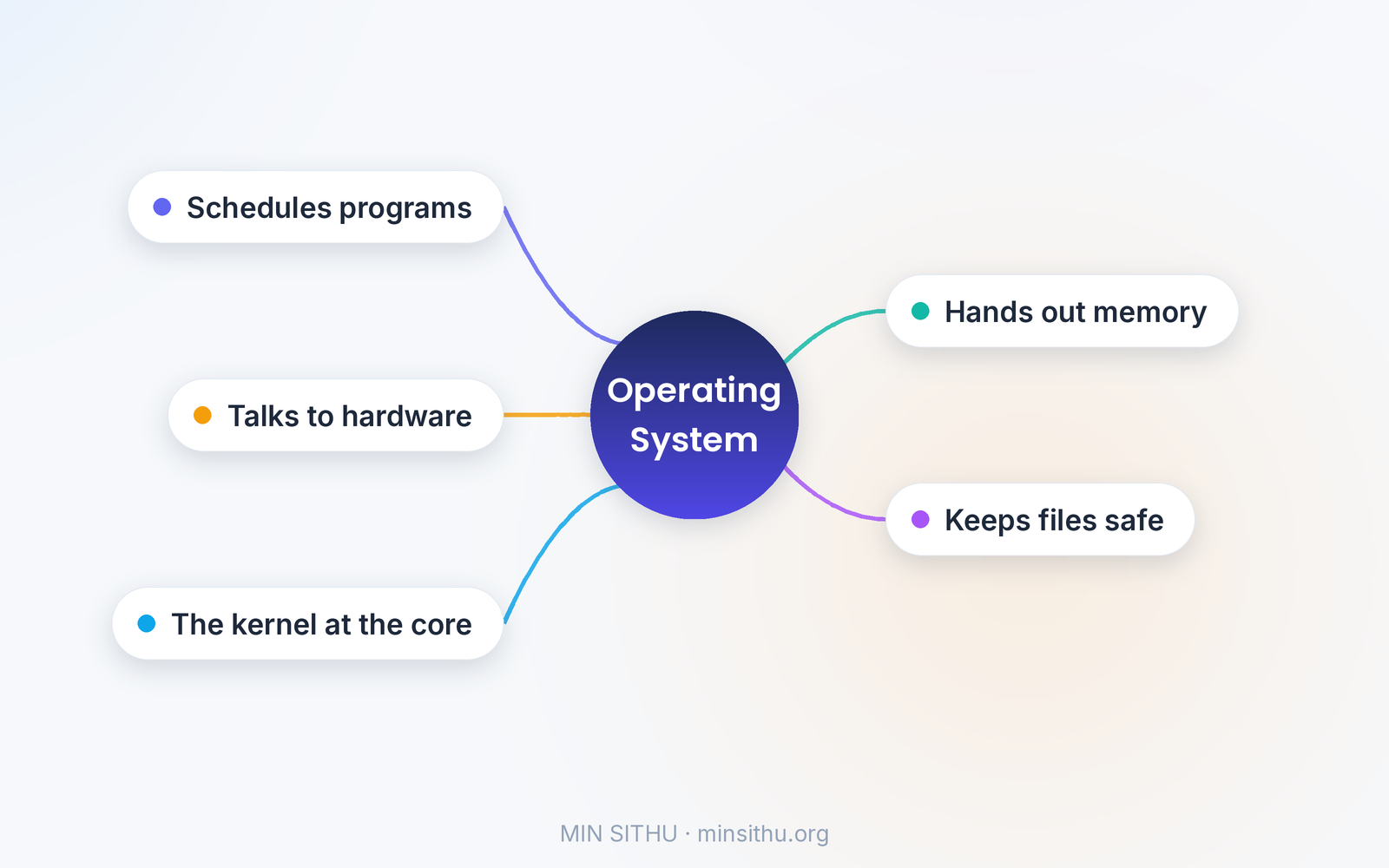
To put it simply, an operating system is the program that runs all the other programs. It is the manager of your computer: it decides which program gets the processor, hands out memory, talks to your keyboard and screen, and keeps your files safe. Every app you open runs on top of it, and without it, your apps would have nothing to stand on.
Yesterday I had forty browser tabs open, music playing, a video call running, and a big file downloading — all at once. My laptop did not freeze, the music did not stutter, and the download did not corrupt the video call. That is not luck. That is the operating system doing its job, thousands of times a second, invisibly. The moment you notice it is usually the moment something has gone wrong.
The operating system is like the manager of a busy restaurant. The cooks are your programs, the kitchen is the processor, and the manager decides who gets to cook when, makes sure nobody takes someone else's ingredients, and keeps the whole place running even when the dining room is full. You never see the manager cook a single dish — but without them, the kitchen would be chaos in five minutes.
It shares one processor between many programs
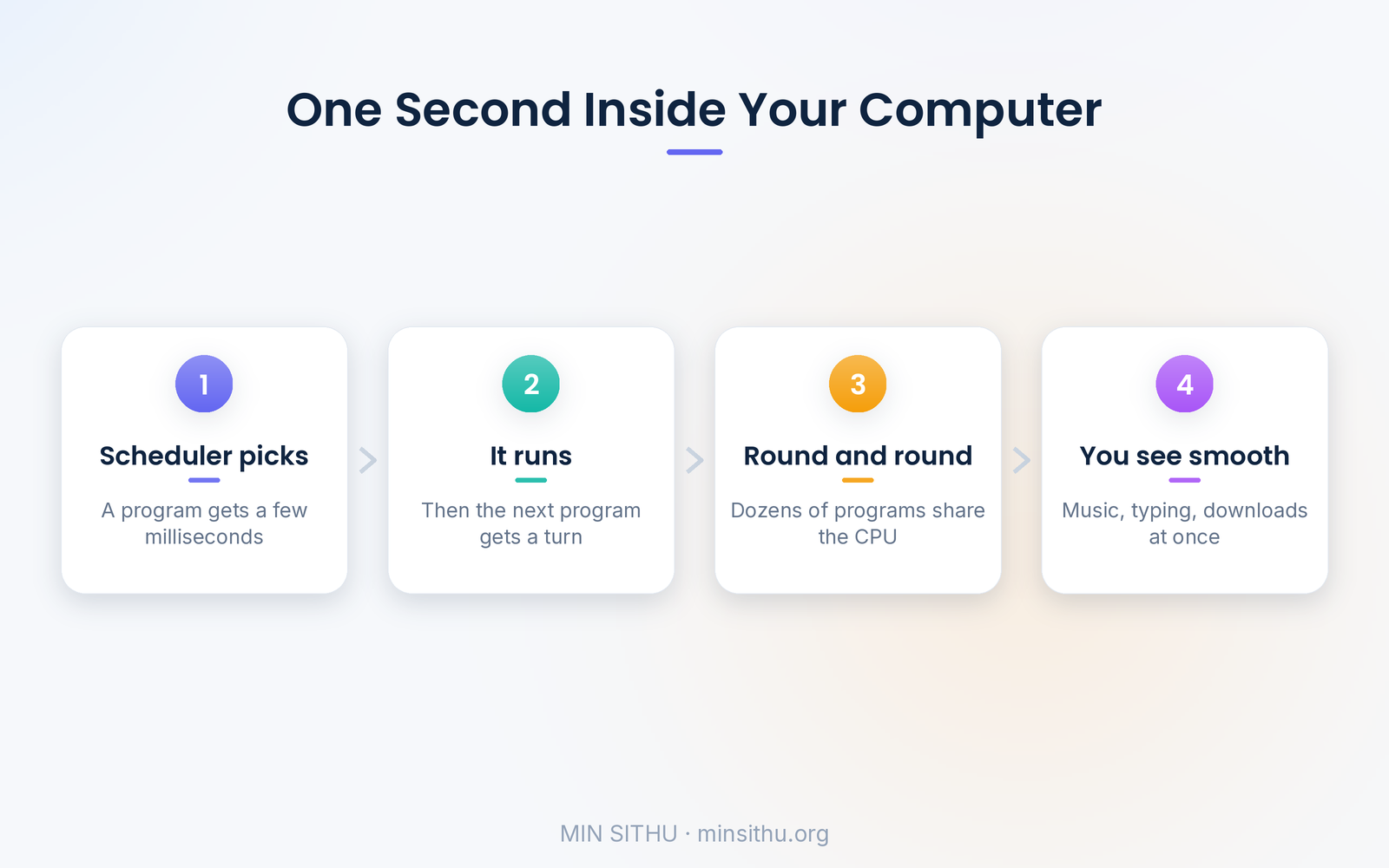
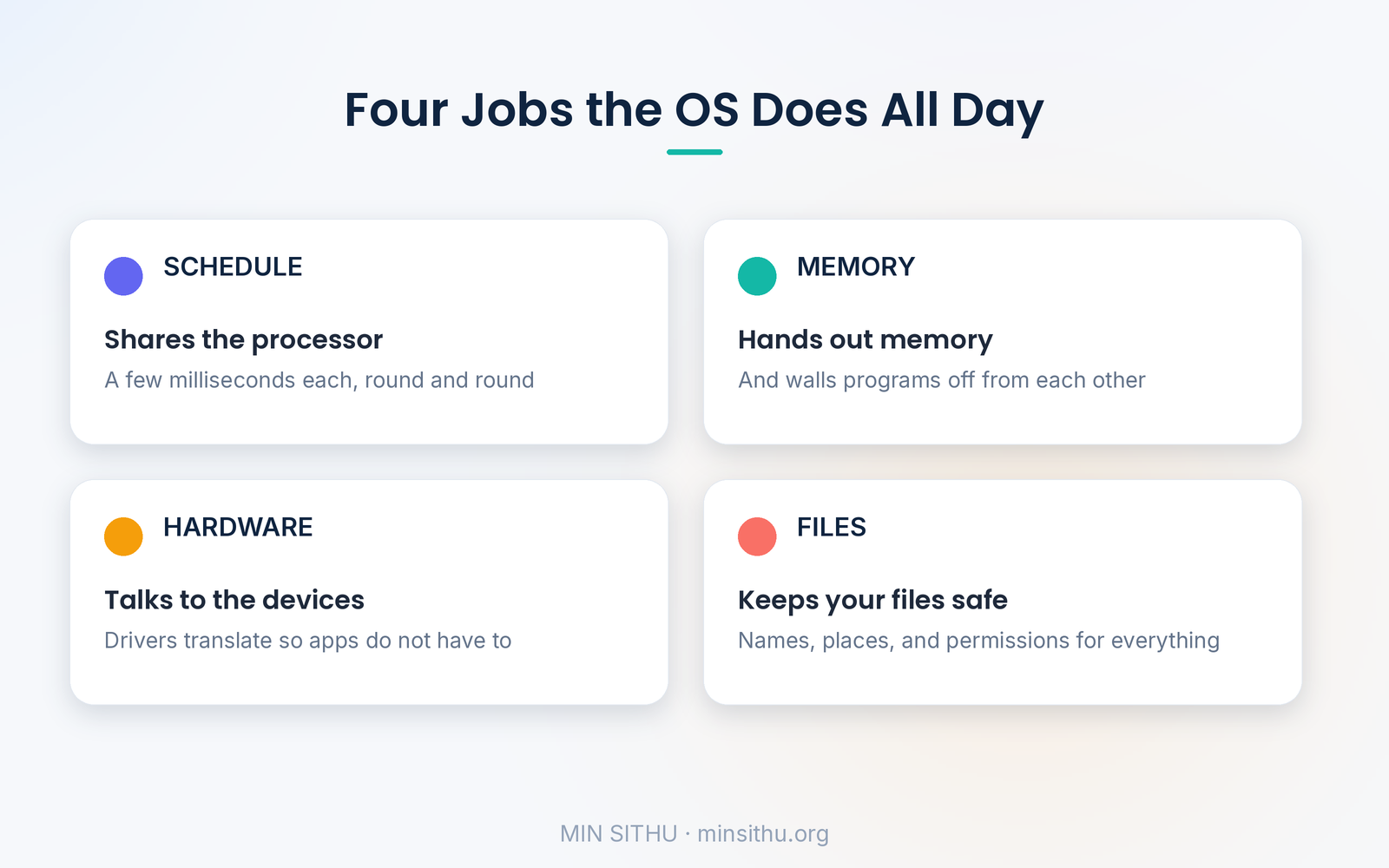
Your processor can only do one thing at a time — or a handful, if it has several cores — yet your computer runs dozens of programs at once. The operating system solves this with a trick called scheduling: it gives each program a tiny slice of processor time, a few milliseconds, then switches to the next one, round and round, so fast that everything looks simultaneous.
This is why a frozen app does not freeze your whole computer. The operating system can simply stop giving time to the frozen program and keep the rest running. And it is why a heavy download in the background does not stop you typing: the scheduler keeps coming back to your editor, giving it a slice again and again, dozens of times a second.
The part people miss is that scheduling is a constant judgment call. Give too much time to one program and everything else feels slow. Switch too often and the computer wastes its time switching instead of working. A good operating system balances this all day, and you never notice it happening.
It hands out memory and keeps programs apart
Every program needs memory, and the operating system is in charge of giving it out. When you open an app, it asks for memory, and the operating system finds free space and hands it over. When you close the app, the memory comes back.
Just as important, the operating system keeps programs apart. Each program gets its own private memory space, and it cannot peek at another program's memory. That is why a crash in your browser does not take down your music player — the crash is contained inside one program's space, and the operating system cleans it up and carries on.
Without this protection, one bad program could read your passwords from another program's memory, or overwrite data that belongs to someone else. The operating system is the wall between your programs, and it is also the reason your computer can be trusted to run code you downloaded from the internet.
It talks to the hardware so your apps do not have to
Your keyboard, screen, disk, and network card all speak different languages, and the operating system translates. It provides drivers — small programs that know how to talk to each piece of hardware — and a simple interface on top, so an app can say "save this file" or "draw this window" without knowing anything about the disk or the screen underneath.
Think about what that saves you. Without an operating system, every single app would need its own code for reading the keyboard, writing to the disk, and drawing pixels on the screen — and an app written for one laptop would not work on another. Because the operating system handles the hardware, an app written once can run on millions of different machines. That is the quiet deal at the heart of all software: the operating system handles the machine, and the app handles the idea.
It also manages your files. When you save a document, the operating system decides where on the disk it goes, remembers its name and location, and checks your permission before letting another program open it. The folders and files you see are an organised story the operating system tells you about a disk that is really just a long row of storage blocks.
The kernel is the part that never sleeps
At the centre of every operating system is the kernel — the small core that runs with full control of the machine. The kernel is what switches between programs, hands out memory, and talks to the hardware. Everything else — the windows, the menus, the settings app — is built on top of it.
This is why Linux, Windows, and macOS feel so different even though they all do the same jobs. They share the same idea — a kernel in the middle, programs on top — but each one makes its own choices about how scheduling works, how files are organised, and what the screen looks like. Android and iOS are operating systems too, built on the same principles, shaped for a phone instead of a laptop. Even the smart TV and the router in your house are running a small operating system, quietly managing their own hardware.
Takeaways:
- An operating system is the manager that runs all your other programs
- It shares the processor between programs in tiny slices, so everything looks simultaneous
- It hands out memory and walls programs off from each other, so one crash does not take the rest down
- It talks to the hardware through drivers, so apps never have to learn each device
- The kernel is the core that does the real work — scheduling, memory, and hardware
- Every device you own, from phone to router, is running one
References and further reading
- Operating system — Wikipedia
- Kernel (operating system) — Wikipedia
- Process management (computing) — Wikipedia
- Scheduling (computing) — Wikipedia
— Min SiThu Software Engineer & Tech Content Creator https://minsithu.org
About the author
- Nubbad Developer. | Now I accidentally create problems.
Comments
Join the discussionNo comments yet. Be the first to comment.