

To put it simply, writing code is expressing an idea you already have in your head, while reading code is trying to recover an idea that was in somebody else's head, from only the clues they left behind. The second job is harder, and nobody warns beginners about that.
Most people starting out assume reading should be the easy part. Surely writing is the real skill, and reading is just... looking? Then they open a file written by another person, scroll for thirty seconds, and feel completely lost. They close it thinking they are bad at programming.
They are not. They have just run into a skill that is separate from writing, rarely taught, and learned mostly by doing it badly for a while.
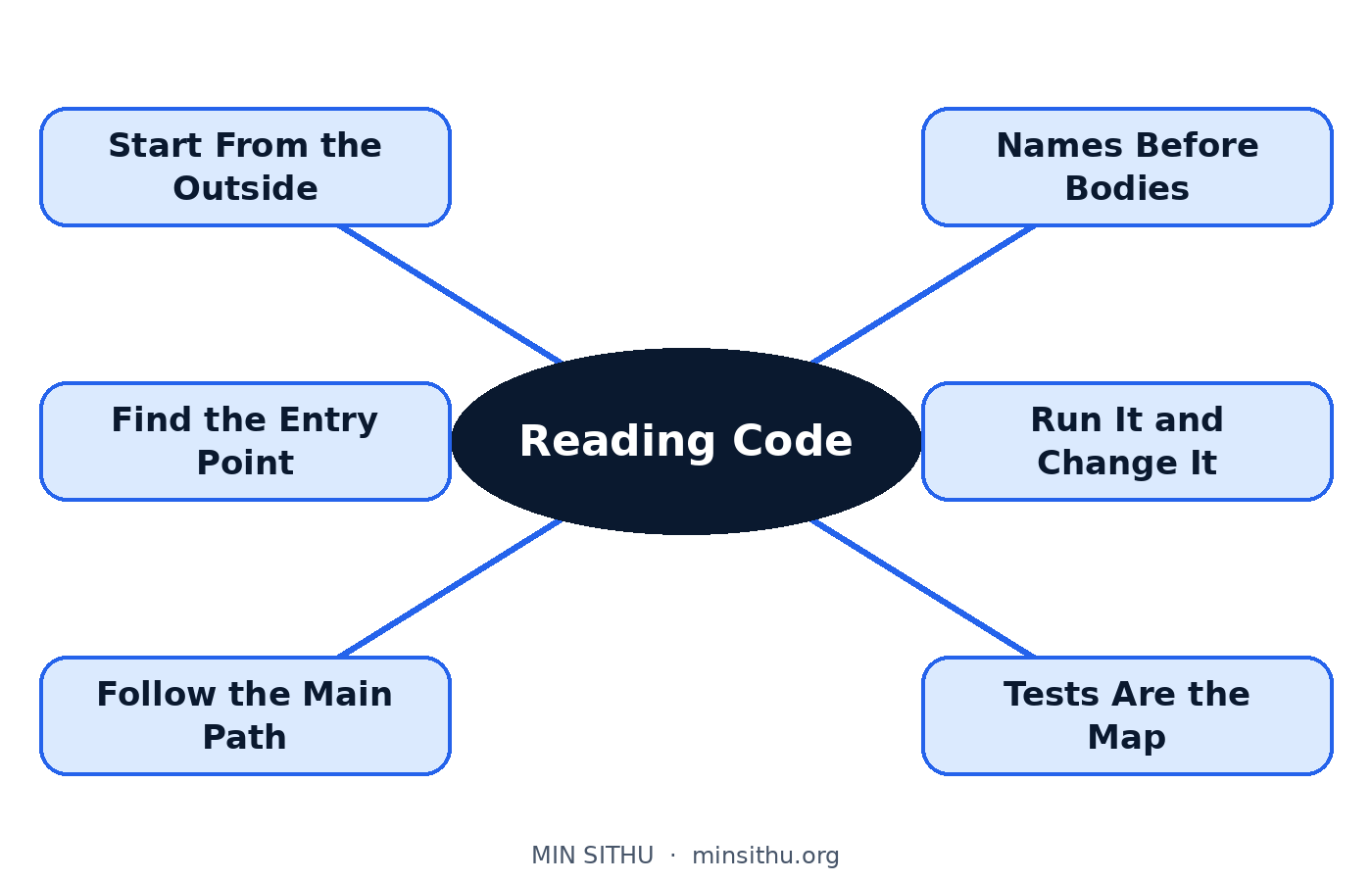
When you write, the idea comes first
Think about your own code for a second. Before you typed anything, you had a picture in your mind. I need to check if the user is logged in. If not, send them to the login page. That picture came first, and the code was just you writing the picture down.
So when you read your own code later, even weeks later, you are not really starting from zero. Part of that original picture is still in your memory. The code only has to remind you. The names make sense because you chose them. The order makes sense because you decided it.
Reading someone else's code removes all of that help. You get the writing without the picture. You have to rebuild the picture yourself, backwards, line by line. That is a completely different kind of mental work, closer to detective work than to writing.
I like to think of it as walking into someone else's workshop. Everything in there is organised, but it is organised for them. They know why the hammer hangs next to the saw, why one drawer is full of screws sorted in a way that looks random, why there is a chair in the middle of the floor. You walk in and it all looks like clutter, not because it is a mess, but because you do not yet know the reasons. Code written by another person is exactly that workshop. The reasons are there. They are just not labelled.
Why other people's code feels so hard
A few things make it worse, and it helps to know them by name.
First, code tells you what happens, not why. A line might say a discount is 10 percent if the total is over a certain amount. Fine. But why 10 percent? Why that amount? Was it a business rule, a quick fix for a complaint, a mistake nobody dared to remove? The code stays silent on all of that, and the why is usually the part you actually need.
Second, real code carries history. You will find strange extra checks, odd workarounds, a condition that looks pointless. Often that pointless-looking line is there because something broke in the past and this line stopped it breaking again. Delete it because it looks silly, and you may bring the old bug back to life. Experienced readers treat weird code with respect for exactly this reason.
Third, no real program lives in one file. One click leads to a function in another file, which calls something in a third file, which reads a setting from somewhere else entirely. Your brain has to hold that chain while you walk it. When the chain gets longer than what you can hold, you get lost. That is normal. It is a memory limit, not an intelligence limit.
Reading is a skill, and it improves like one
Here is the good news. Because reading is a skill of its own, it gets better with practice in a way you can actually feel. Code that scared you six months ago starts to open up. You have seen this shape before — this is a login check, this is a loop building a list. You are not reading every line any more. You are recognising.
That is how strong readers actually work. They skim for the shape first, then dive into the one part they need.
How I approach code I did not write
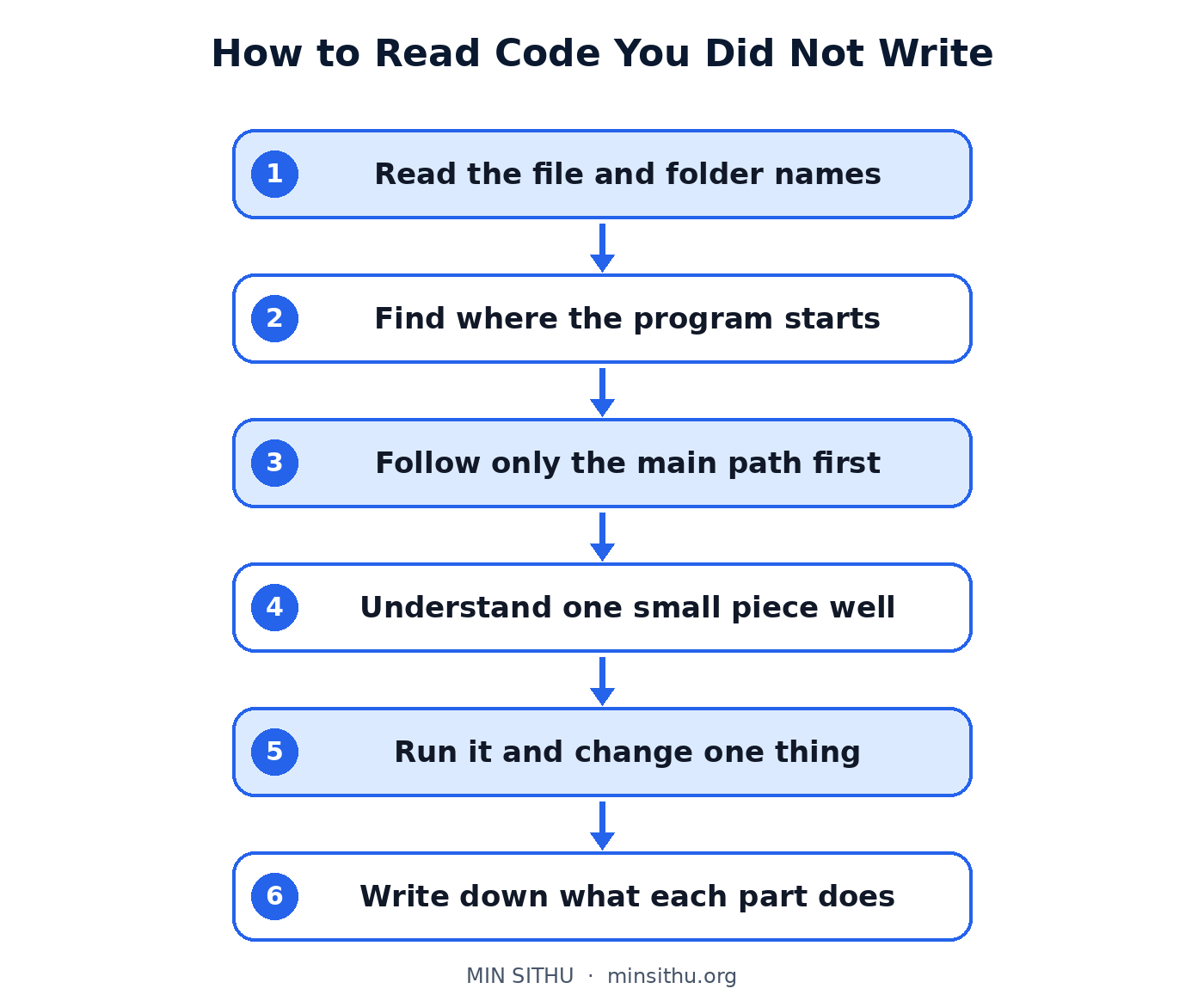
This is the order I use myself, and I wish someone had handed it to me early:
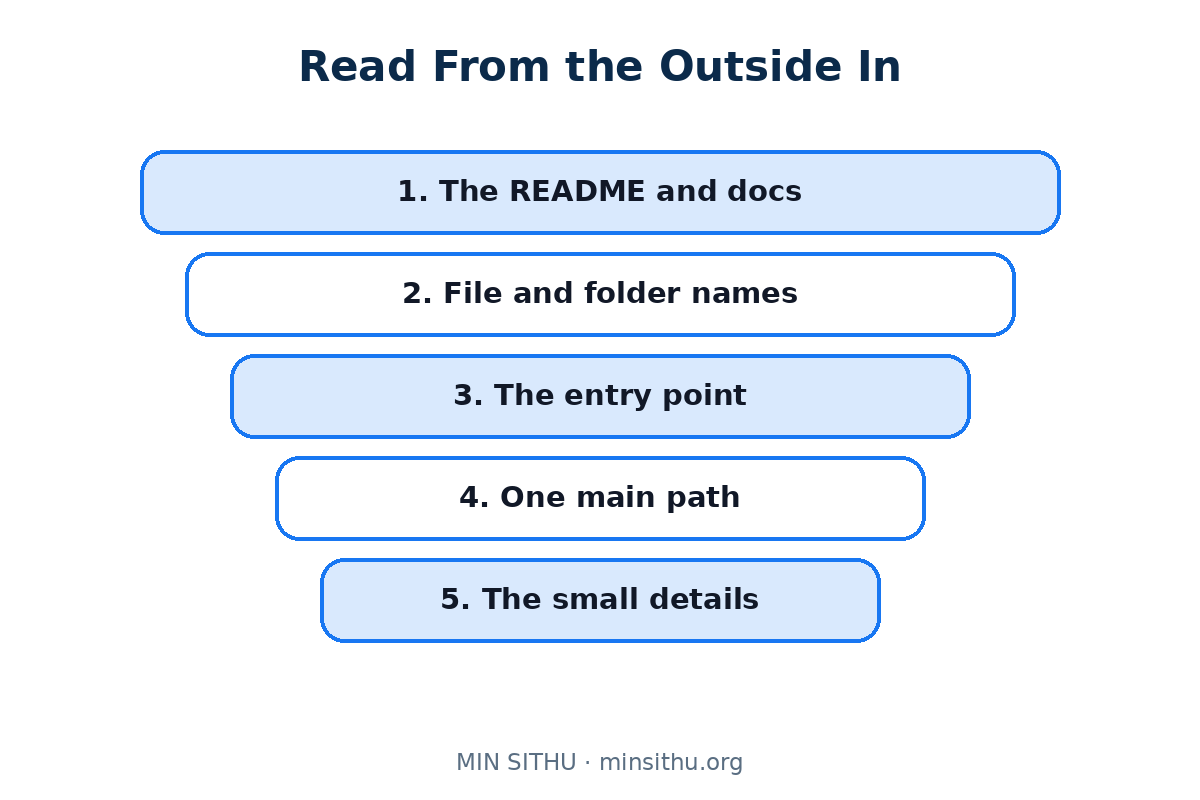
- Start from the outside — read the file names, folder names, and the README if there is one, and try to say in one sentence what this whole thing does
- Find the entry point, the place where the program starts, and follow only the main path first, ignoring the side branches
- Read function names before function bodies, because a good name is a free summary, and even a bad name tells you where the author thought one job ended and another began
- Pick one small piece, one function, and understand that piece properly instead of half-understanding the whole file
- Run the code and change one small thing — a message, a number — and watch what changes, because a moving program is much easier to read than a frozen one
- Write down, in plain words, what you think each part does, in a notebook or a comment for yourself
- When you find a strange line, ask what would break if it were not there, before judging it
Small habits that make you a stronger reader
A few quieter habits help more than people expect. Read a little code every day, even fifteen minutes, the way you would practise a language. Read code that is slightly above your level, not ten levels above — if you understand nothing at all, you are in the wrong workshop for now. And read the tests if the project has them. Tests are written examples of what the code is supposed to do, in plain cases: give it this, expect that. For a lost reader, tests are often the clearest map in the whole building.
So if opening someone else's project makes you feel behind, reframe it. You are not failing at the easy part. You are practising the harder, quieter skill that, in the long run, working programmers spend most of their day using. Most of the job is not writing new code. It is reading, understanding, and carefully changing code that already exists.
Go open that file again. Slower this time, from the outside in. It will give up its picture eventually. It always does, if you stay with it.
References and further reading
- Source code — Wikipedia
- Code review — Wikipedia
- Legacy code — Wikipedia
- Program comprehension — Wikipedia
See you in the next post.
— Min SiThu Software Engineer & Tech Content Creator https://minsithu.org
About the author
- Nubbad Developer. | Now I accidentally create problems.
Comments
Join the discussionNo comments yet. Be the first to comment.